Start with the issue you can describe. Support can help investigate product and account problems; a host handles property decisions, and local emergency services handle emergencies. Hosts can reach support from the dashboard or by email. The support policyhas current response targets and data-rights procedures; targets are goals, not a guaranteed resolution time.
Account access
If a sign-in link expired or you cannot access your account, tell us the account email, what you see when you try to sign in, and your browser and device. Never send a password or one-time code. Email about account access.
An incorrect guest answer or recommendation
Tell us the property, what the guest asked or viewed, the answer or recommendation shown, and what the correct information should be. Check whether the property instructions are current, but do not assume stale content is the only possible cause. If the guest needs immediate help, contact them directly rather than waiting for an investigation. Report an incorrect answer.
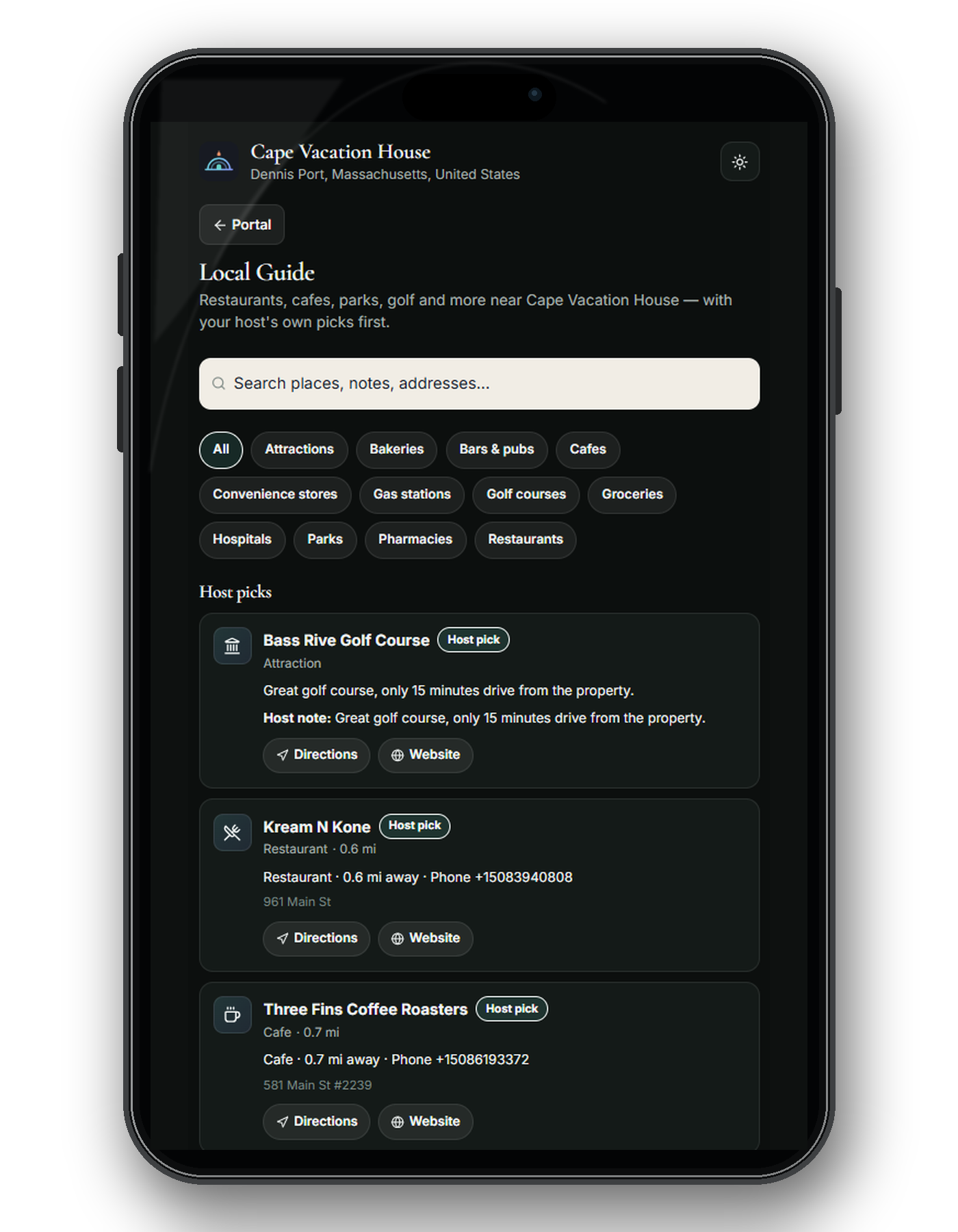
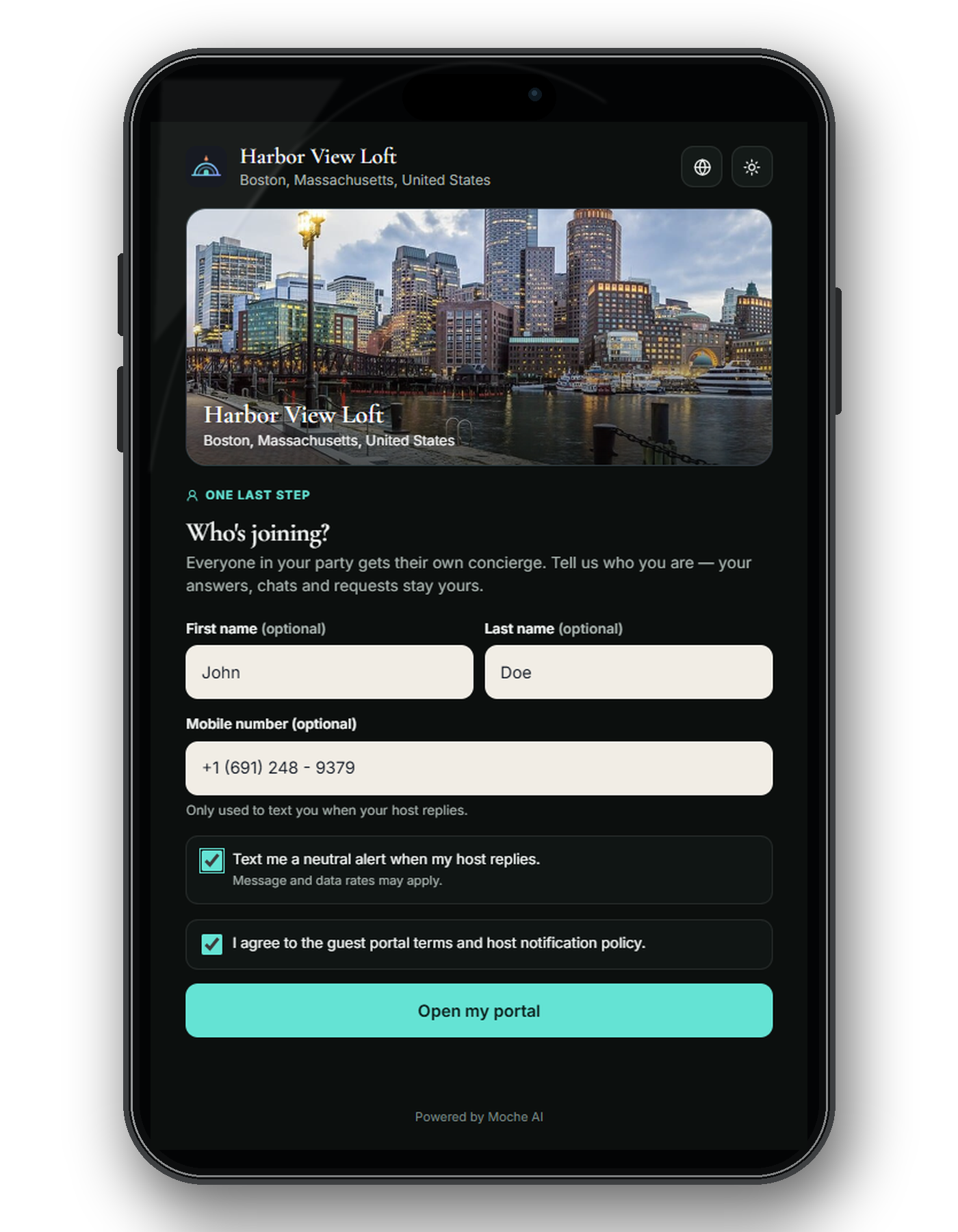
A guest portal problem
If the stay link does not open, a guest cannot find a topic, or an action fails, tell us the property name, the action attempted, the approximate time and timezone, and the browser and device. A redacted screenshot may help. Do not email a live guest link, access code, or guest contact details. Email about the guest portal.
Billing and data rights
For a failed payment or unexpected invoice, send your account email, invoice reference, and what happened. Stripe handles payment cards; do not send a card number or security code. Email about billing.
Hosts can export or request deletion from Dashboard, then Profile. The data-rights process also explains how guests or people without dashboard access can make a request and how legally required records are handled.
Safety and security reports
For a guest emergency, contact local emergency services first and the host directly; this support inbox and the AI assistant are not emergency response channels. Read the AI use policy for the assistant's limits.
Report a suspected vulnerability privately with the affected area, reproduction steps, and date and time. Do not test against another host's property or a live guest stay. Report a security issue.
Before you write in
Include what you expected, what happened instead, when it happened, and the browser or device if relevant. Use a property name rather than a guest's personal details. For product walkthroughs, see how it works, the guest experience, and trust and safety.
Last reviewed September 2026.