A guest at the front door does not want to search a long PDF for the entry instructions. A host does not want to explain the same Wi-Fi password to every new booking. Better guest communication starts before either message is sent: put accurate property details where guests can reach them, and make it clear when they should contact a person.
Two channels, two different jobs
Airbnb asks hosts to respond to reservation requests, booking inquiries, and guest messages within 24 hours. Late responses can lower the response rate and increase response time, and Airbnb says response rate can affect a listing's place in search results. Its standard response-rate measure concerns new inquiries and reservation requests answered within 24 hours over the past 30 days; its Superhost assessment uses a different measure based on new message threads over the past 12 months. Read Airbnb's response guidance and calculation details.
Those are booking-platform obligations. Moche-AI is an in-stay guest portal, not an Airbnb inbox integration: a reply from its assistant should not be counted on to satisfy an Airbnb response deadline. Keep handling inquiries, reservation requests, and urgent platform messages in the channel where they arrived. Use the portal to make routine property facts easier for an arrived guest to find.
Start with the questions guests actually ask
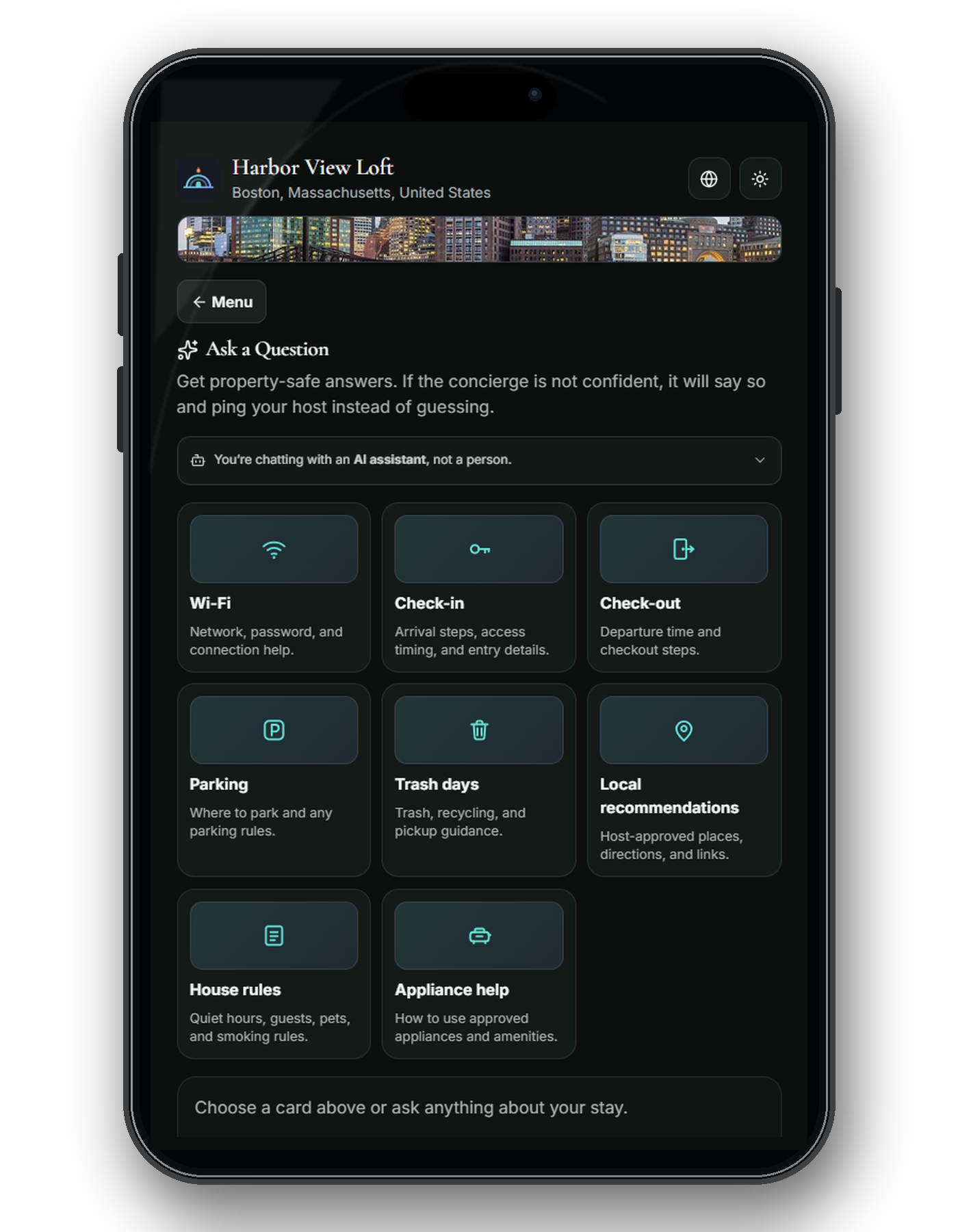
Review recent messages for each property and note which questions repeat. Common topics to prepare for include Wi-Fi and connection help; entry, parking, and checkout; the actual appliances and thermostat; house rules and trash; and local recommendations. Do not assume the same answer works at every property or in every season.
Write answers once, at the property level
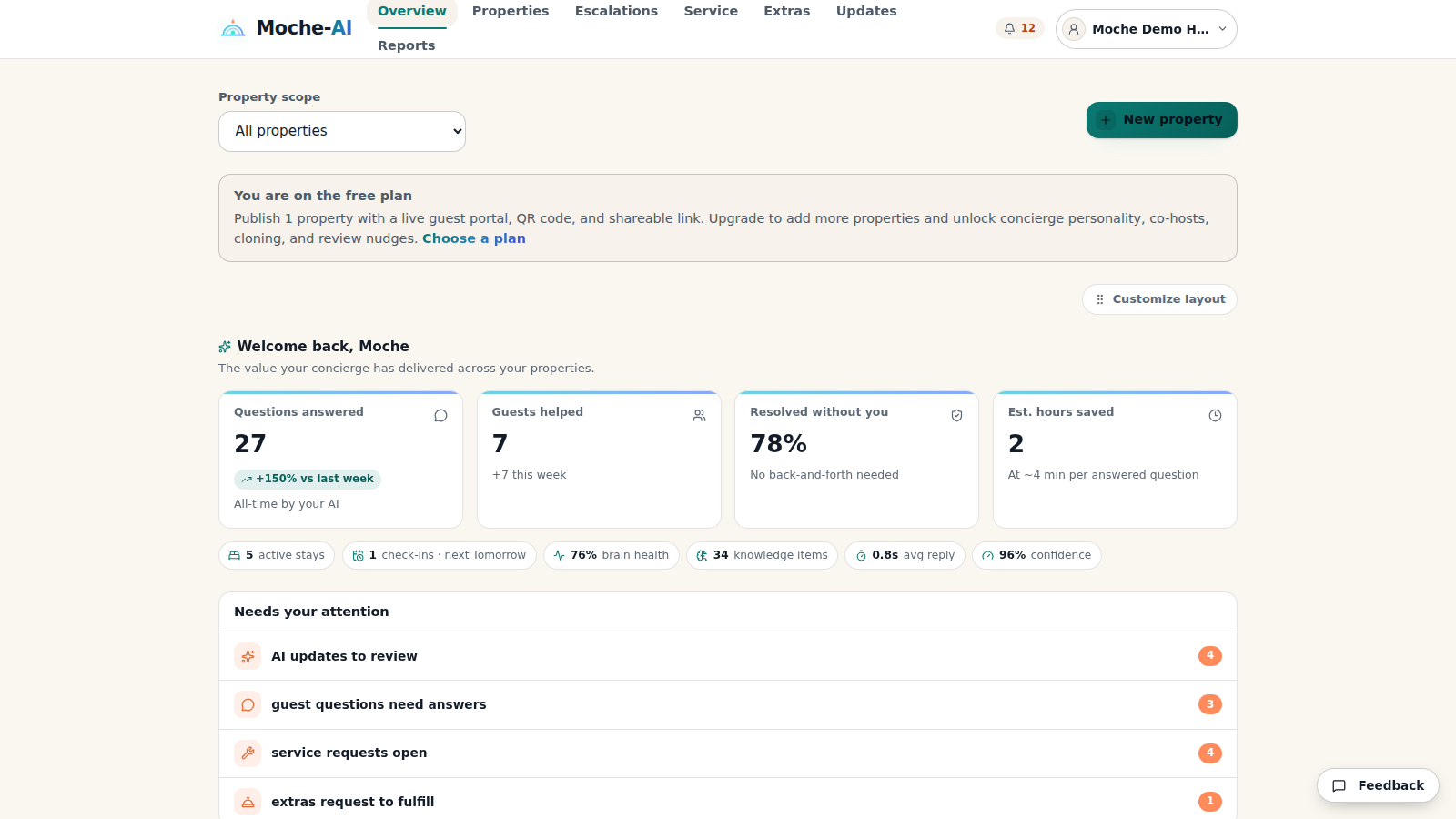
A message pasted into eleven booking threads is eleven copies to keep current. Instead, record each property's facts in one place. Write for a first-time guest holding a phone: name the right door or device, explain the next step, include what to do if it fails, and date details that change seasonally. Review sensitive access instructions before making them available to guests.
Moche-AI calls this per-property record the Property Brain. Hosts can add and approve knowledge there; the assistant draws on approved details and can cite its source. A proposed update does not automatically become a guest-facing answer. See how the approval process works.
Make answers reachable during the stay
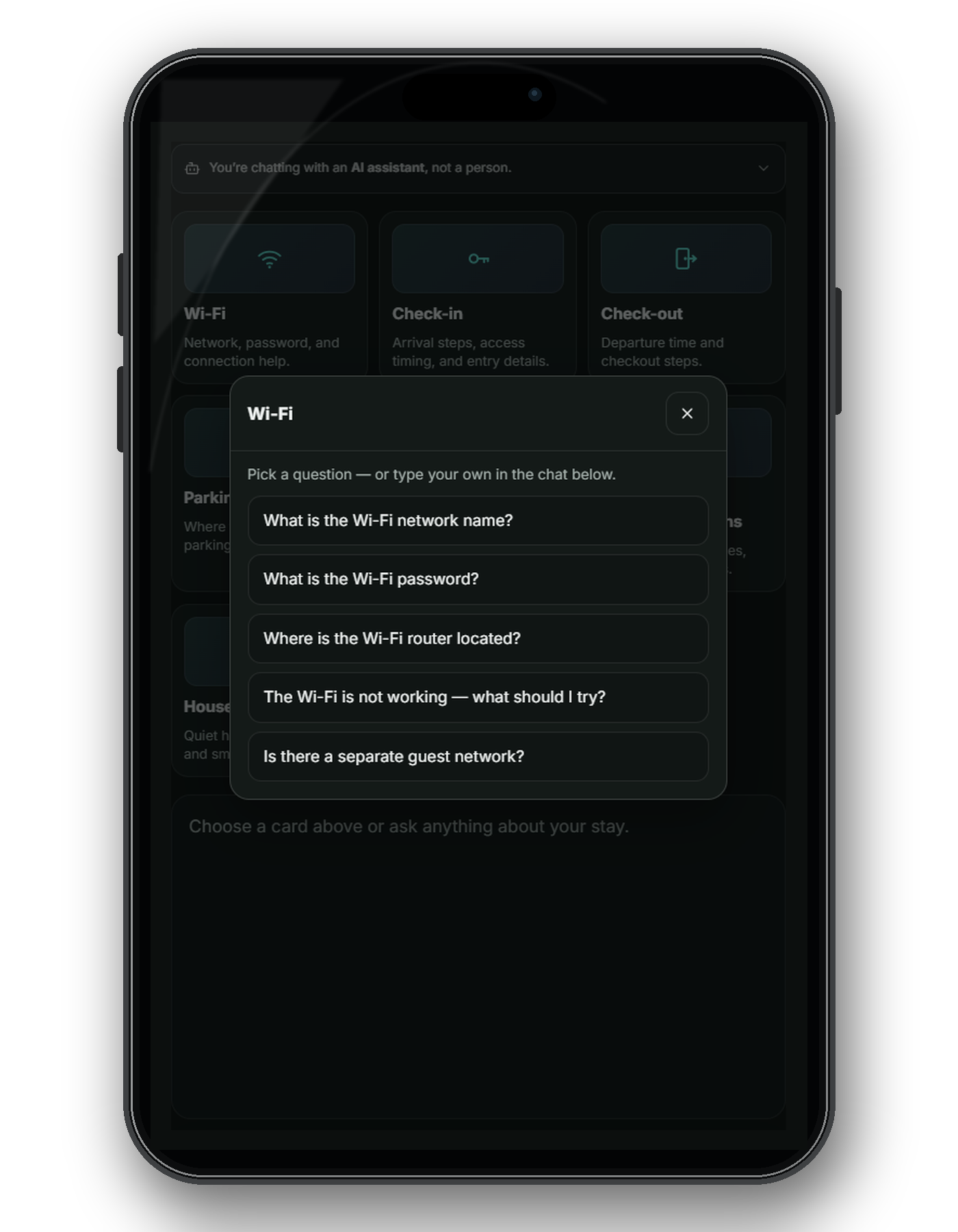
Guests need a short path from question to answer. Moche-AI gives each stay a link or QR code to its guest portal, without asking the guest to install an app or the host to connect a booking platform. Guests can look up approved property information, ask a question, or contact the host. If the approved material does not support an answer, the assistant should say so and escalate rather than guess.
Know where automation should stop
Fixed, approved property facts can be offered as self-service answers. A priced request, such as late checkout, can be captured for the host to decide; it should not be treated as approved just because a guest asked. Maintenance reports can collect useful detail, but someone responsible for the property still needs to assess and act. Complaints, refunds, access failures, safety issues, and emergencies need timely human judgment. For an immediate emergency, guests should contact local emergency services.
Airbnb's Superhost criteria include responding to 90% of new messages and accepting or declining new reservation requests within 24 hours. That is another reason to keep the distinction clear: a helpful in-stay portal supports the guest experience; it does not take over your platform response responsibilities.
A simple communication audit
- Review recent guest messages for one property and group repeat questions by topic.
- Write or correct one property-specific answer for each repeat question, including the failure case.
- Check what guests can actually reach during a stay, on a phone, without asking you first.
- Keep a clear path to the host for uncertainty, exceptions, and urgent problems.
Start with a single property and improve the source as new questions appear. Moche-AI lets you build and preview one draft property without a card; a paid plan is required to publish it for guests. See what guests see and review our trust and safety information before you share a portal.
Last reviewed September 2026.
Build and preview one draft property free, no card. Choose a paid plan to publish.
Start free