Imagine arriving after a long drive. The guest wants the Wi-Fi details, a parking reminder, and a way to tell the host if the shower is not working. Moche-AI puts those paths in one property-specific portal instead of asking the guest to search through old messages.
One stay link, no new account
The host shares a link or QR code for the stay. Guests open it in their browser; they do not need to install an app or create a guest account. Access is for the relevant stay and property, not a directory of the host's other homes. A portal does not replace the booking-platform inbox or the host's responsibility to respond there.
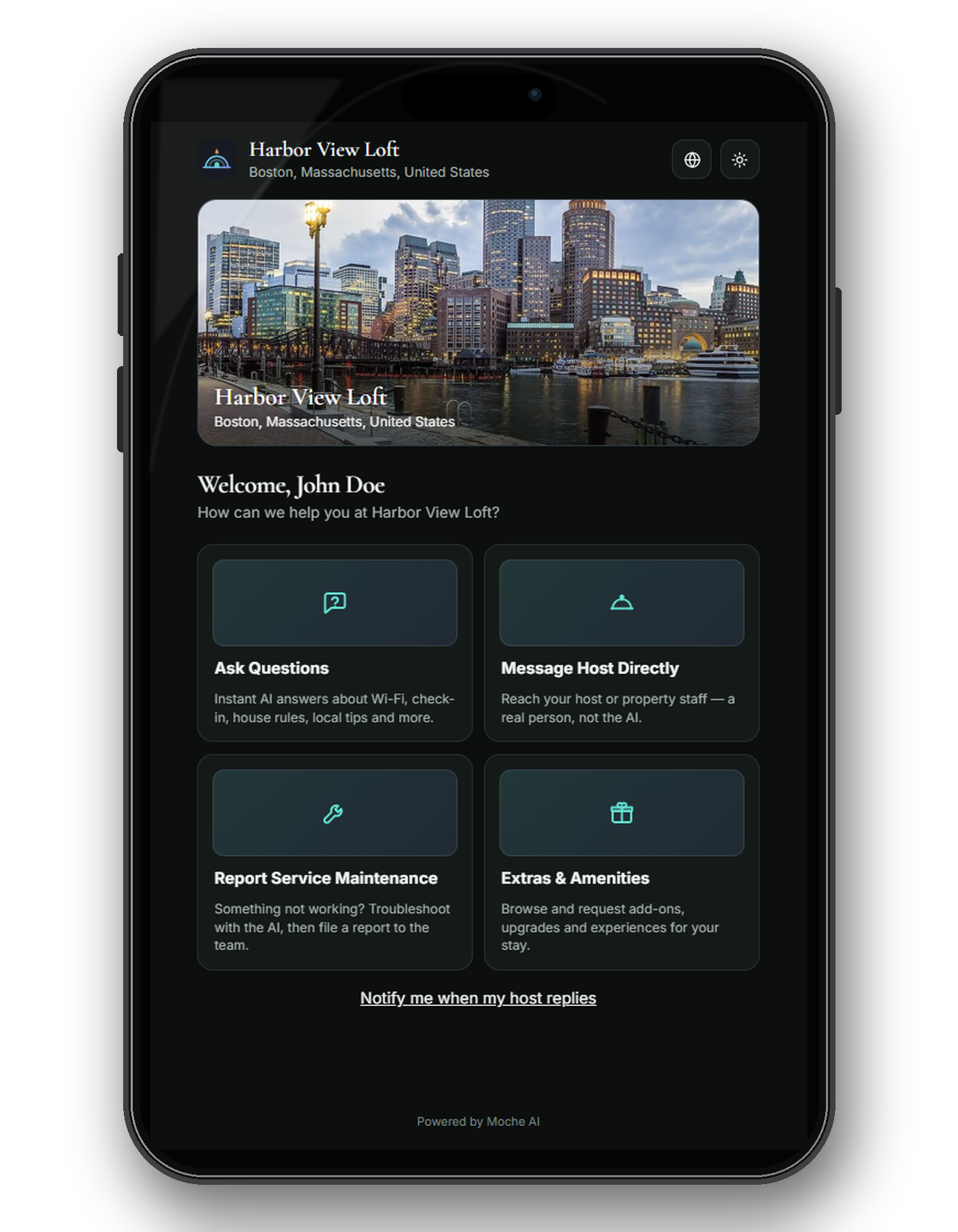
Find the ordinary details quickly
A guest can look for the information that matters on arrival: Wi-Fi, parking, check-in, house rules, appliance notes, and local recommendations. If a topic does not cover their question, they can ask in the portal. Answers should be grounded in the details the host has approved for that property, rather than a plausible guess about a different home.
The experience depends on what the host has supplied. A missing instruction should not become an invented lockbox code or a confident-sounding safety answer. When the approved information does not support an answer, the guest needs a clear path back to the host. For the host-side setup, read how Moche-AI works.
Reach the host without a detour
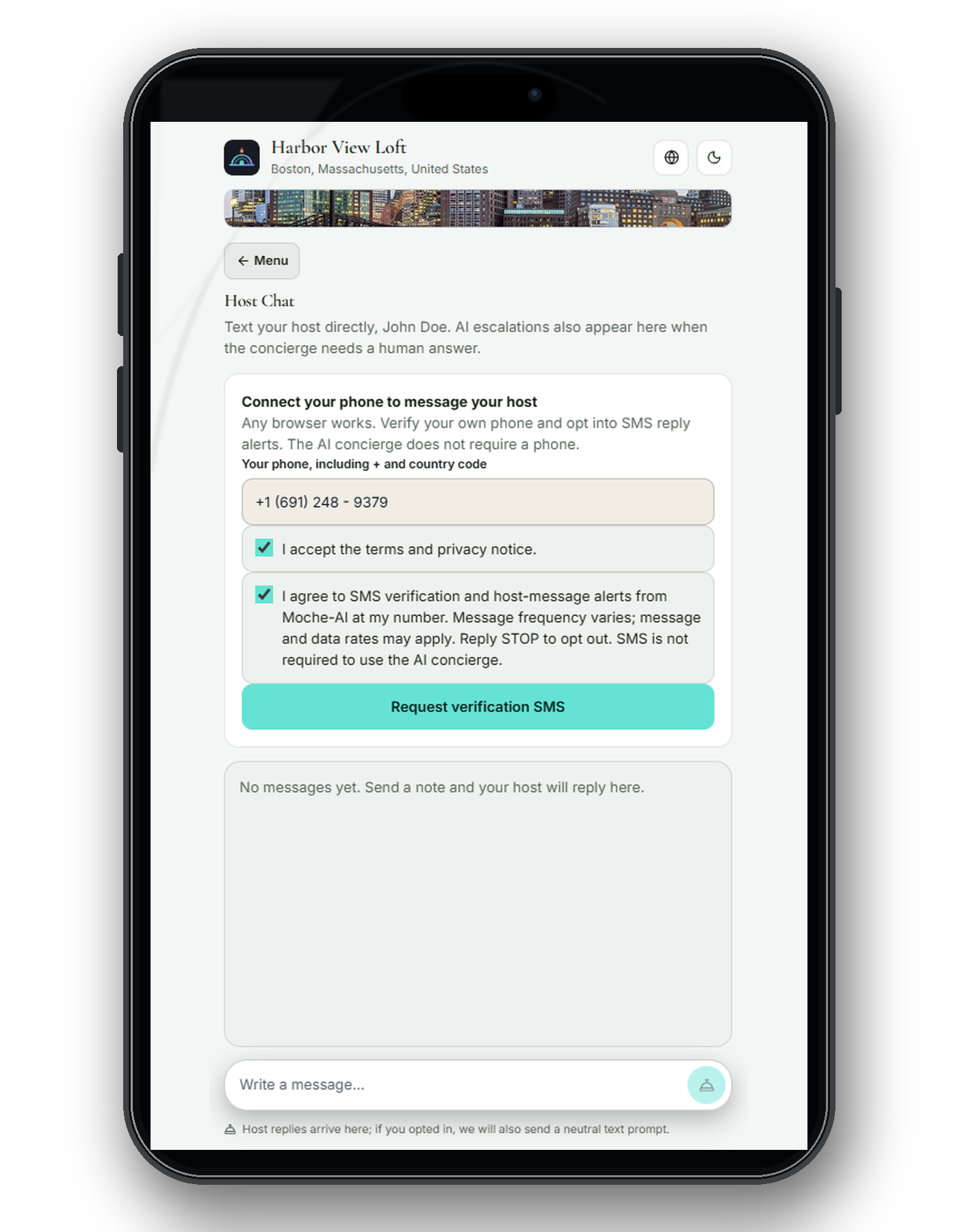
Self-service is useful until the guest has a situation only a person can resolve. The portal offers a direct way to message the host about a problem, ask for a decision, or explain something the property information did not cover. A request for early check-in, a complaint, or an access issue remains a host decision, not an AI promise.
Make a service request
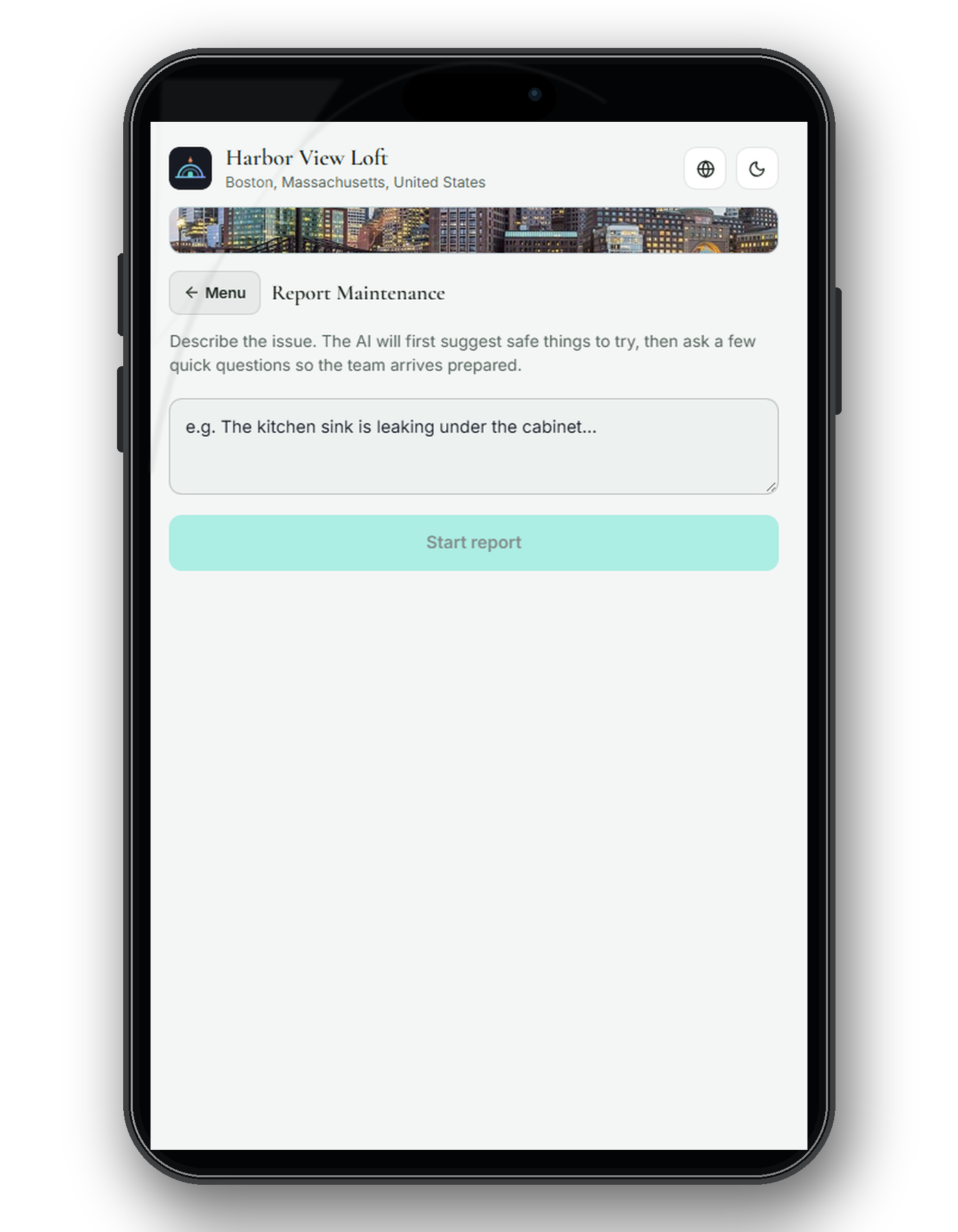
A guest may need more than an answer: extra towels, help with a broken appliance, or another stay-related service. The service-request path helps them describe what they need and lets the host review the details. Availability, timing, and any charge still require the host's decision; submitting a request is not an automatic approval.
Know when to leave the portal
A guest should contact the host directly about urgent maintenance, access failures, or safety concerns. For an emergency, they should contact local emergency services first. Moche-AI can help surface property information and collect context, but it is not an emergency response service or a replacement for human judgment.
Before sharing the portal with a booking, build and preview one draft property yourself. Check the guest link, confirm that the key instructions are current, and test how a question and a request reach you. You can preview a draft without a card; an active paid plan is required to publish it for guests. See the guest communication guidefor what belongs in the portal versus a scheduled message, and trust and safetyfor information-handling details.
Last reviewed September 2026.
Build and preview one draft property free, no card. Choose a paid plan to publish.
Start free